Practical utilities
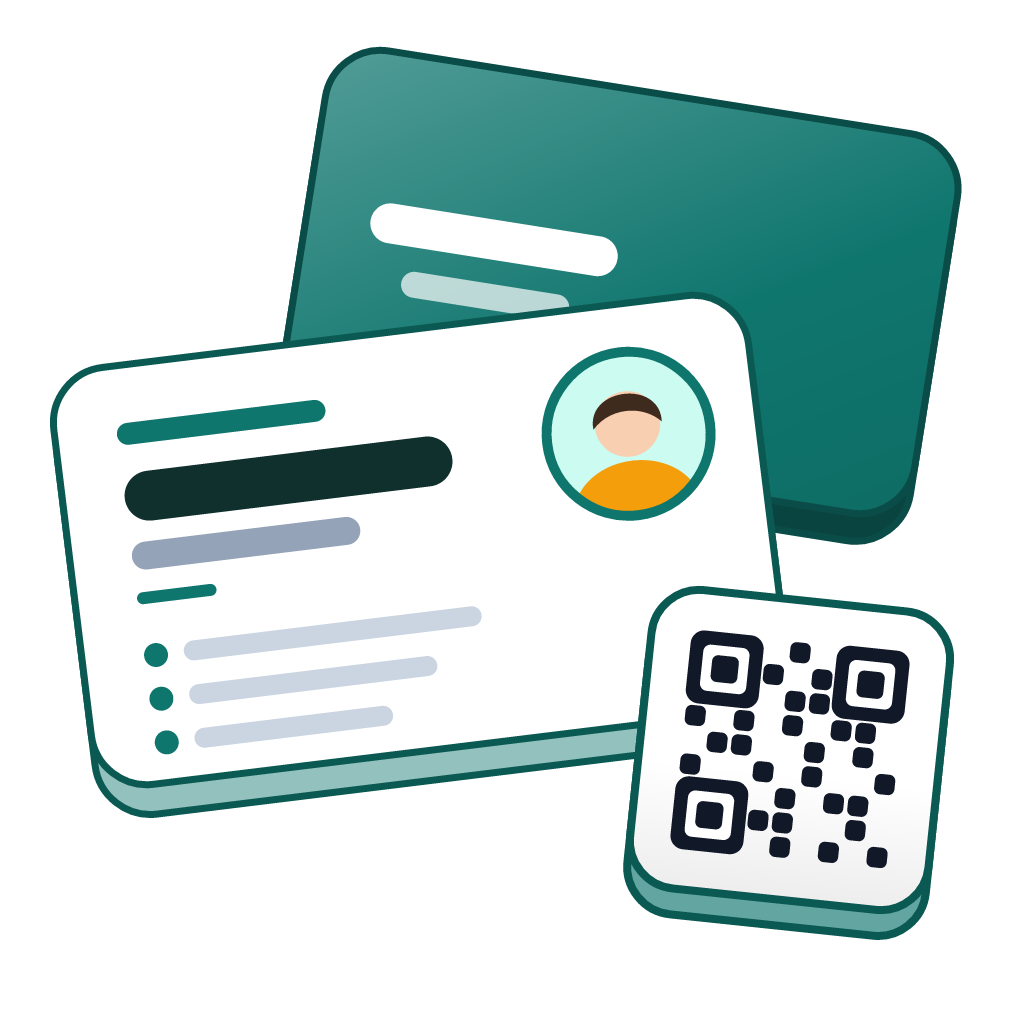
Business Card Maker
Design a business card on your phone: pick a template, colours, a finish, a photo or logo, add a contact QR code, then save the images or an A4 print sheet.
Mới ra mắt
Download Synapp to use many more handy utilities.
Use now









Business Card Maker on Synapp lets you design a business card right on your phone: type your details, pick a template, colours, a finish, add a photo or logo and a QR code, then save both sides as images or an A4 print sheet ready for the print shop. No design software, no extra account.
Choose Contact details: whoever gets your card points their phone camera at the code and saves your name, phone, email and website to their contacts — no typing. Or choose Link so the code opens your website, Facebook, Zalo… You can put your photo or logo in the middle of the QR code; it is made at the highest error-correction level, so it still scans normally.
The card is drawn and saved entirely on your phone or computer. Your details, pictures and design choices stay on the device so they are still there next time; nothing is uploaded to a server.
Yes. Use it in the Synapp app or in your browser, with nothing to install.
Take the A4 print-sheet PDF or the two side images to any print shop. With the A4 sheet, cut along the marks in the margins to get 10 cards at exactly 90 × 54 mm.
Switch off the photo / logo switch under Details and the layout closes up neatly.
Yes. The built-in camera of iPhones and most Android phones reads both the contact QR code and the link QR code.